# QR codes in markdown
> Markdown renders images, and a QR code is just an image with a predictable URL. One line — an image tag pointing at useqr.app/q/hello.png — works in GitHub READMEs, docs sites and anywhere else markdown renders. URL-encode the payload in the path, use the .svg form for docs sites, and commit the file when docs must work offline.
Source: https://useqr.app/docs/developers/qr-codes-in-markdown · Last reviewed 2026-08-21 · UseQR is free forever, MIT licensed, no signup.
---
## The one-liner
```markdown
```
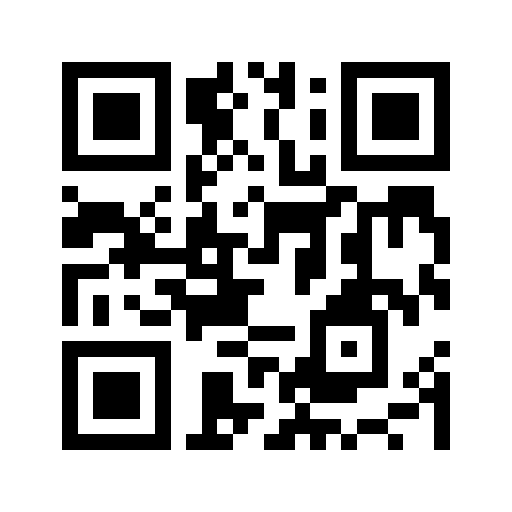
The `/q/{data}.png` path form exists precisely for this: the payload is the path, the
extension picks the format, and there is no query string to fight with markdown parsers.
`/q/hello.svg` works the same way. It is the shortest route from "URL in a README" to
"phone pointing at a laptop screen" — install links for mobile apps, demo URLs, conference
slides written in markdown, a repo's sponsor link.
Everything about the underlying service — determinism, immutability, no key — is on the
[keyless API page](/docs/developers/free-qr-code-api-no-key).
## Encode the payload
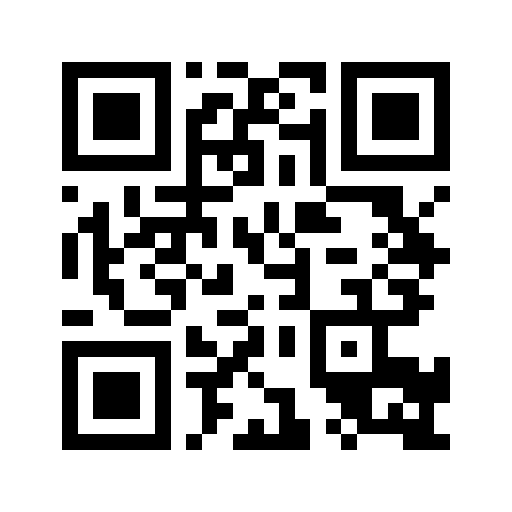
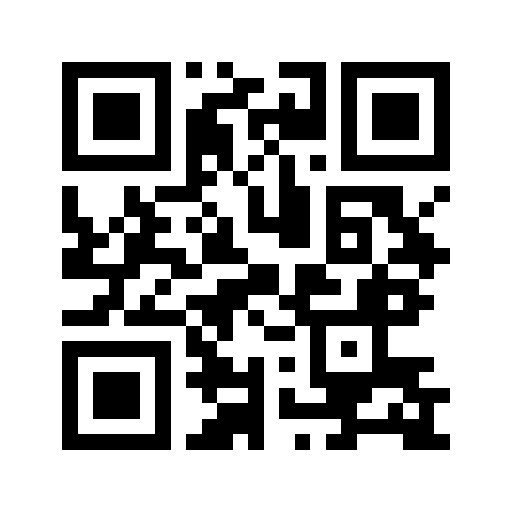
Inside a path, percent-encoding is not optional. `/`, `?`, `&` and `#` all have meanings
you do not want:
```markdown
```
Any language's `encodeURIComponent` equivalent produces the right string, as does
[one curl call](/docs/developers/generate-a-qr-code-with-curl) if you want to eyeball the
result first. Simple payloads with no reserved characters — `hello`, a plain domain — can
go in bare.
## GitHub READMEs specifically
Two GitHub behaviours worth knowing:
- **Images are proxied.** GitHub rewrites external image URLs through its camo proxy and
caches them. That is fine here — the API's responses are deterministic and marked
immutable, so what camo caches is what you meant, forever.
- **Markdown cannot size images**, but GitHub renders raw `![]() ` tags, which can:
```html
` tags, which can:
```html
 ```
Around 160–200 px displays small enough not to dominate the page while remaining
scannable off a typical laptop screen — codes on screens have their own considerations,
covered in [scanning a QR code off a monitor](/docs/scanning/scanning-a-qr-code-off-a-monitor).
Docs generators (Docusaurus, MkDocs, mdBook, Sphinx with MyST) all render standard image
syntax, so the same line works unchanged; prefer the `.svg` form there, since docs sites
zoom and rescale.
## When to vendor the image instead
Hotlinking is one line, but commit the actual file when:
- the docs must render **offline or air-gapped** (internal wikis, vendored docs, PDFs
built in CI without network);
- your organisation's policy forbids third-party image loads;
- you want the repo to be self-contained on principle — a fair position.
Vendoring is one command, then a relative link:
```bash
curl -o docs/img/demo-qr.png "https://useqr.app/q/https%3A%2F%2Fexample.com.png"
```
```markdown

```
Since static codes are deterministic, the committed file never goes stale unless the
destination URL itself changes — and if you control that URL's content, it never has to.
Caching trade-offs of hotlink vs vendor at scale are discussed in
[caching and CDN strategy for QR images](/docs/developers/caching-and-cdn-strategy-for-qr-images).
## Alt text
Screen readers cannot scan. Write alt text that names the destination
("QR code linking to the releases page"), and keep the plain hyperlink in the prose
nearby, so the code is a convenience rather than the only path.
## FAQ
### How do I put a QR code in a GitHub README?
Use standard image syntax with the path-style endpoint: 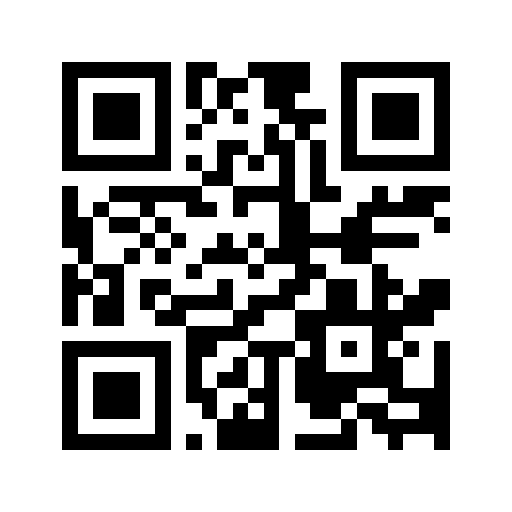. GitHub proxies and caches it; nothing else is needed.
### How do I control the QR code size in markdown?
Markdown itself cannot, but GitHub and most docs sites render raw img tags, so set width there. Around 180 px is a sensible README size.
### Should I hotlink or commit the image?
Hotlink for public docs — it is one line and cached immutably. Commit the file for offline, air-gapped or policy-restricted documentation.
### Why does my QR markdown link break?
Almost always encoding: slashes, question marks and ampersands in the payload must be percent-encoded when using the /q/ path form.
## Try it
- https://useqr.app/url
- https://useqr.app/json
- https://useqr.app/validate
```
Around 160–200 px displays small enough not to dominate the page while remaining
scannable off a typical laptop screen — codes on screens have their own considerations,
covered in [scanning a QR code off a monitor](/docs/scanning/scanning-a-qr-code-off-a-monitor).
Docs generators (Docusaurus, MkDocs, mdBook, Sphinx with MyST) all render standard image
syntax, so the same line works unchanged; prefer the `.svg` form there, since docs sites
zoom and rescale.
## When to vendor the image instead
Hotlinking is one line, but commit the actual file when:
- the docs must render **offline or air-gapped** (internal wikis, vendored docs, PDFs
built in CI without network);
- your organisation's policy forbids third-party image loads;
- you want the repo to be self-contained on principle — a fair position.
Vendoring is one command, then a relative link:
```bash
curl -o docs/img/demo-qr.png "https://useqr.app/q/https%3A%2F%2Fexample.com.png"
```
```markdown

```
Since static codes are deterministic, the committed file never goes stale unless the
destination URL itself changes — and if you control that URL's content, it never has to.
Caching trade-offs of hotlink vs vendor at scale are discussed in
[caching and CDN strategy for QR images](/docs/developers/caching-and-cdn-strategy-for-qr-images).
## Alt text
Screen readers cannot scan. Write alt text that names the destination
("QR code linking to the releases page"), and keep the plain hyperlink in the prose
nearby, so the code is a convenience rather than the only path.
## FAQ
### How do I put a QR code in a GitHub README?
Use standard image syntax with the path-style endpoint: . GitHub proxies and caches it; nothing else is needed.
### How do I control the QR code size in markdown?
Markdown itself cannot, but GitHub and most docs sites render raw img tags, so set width there. Around 180 px is a sensible README size.
### Should I hotlink or commit the image?
Hotlink for public docs — it is one line and cached immutably. Commit the file for offline, air-gapped or policy-restricted documentation.
### Why does my QR markdown link break?
Almost always encoding: slashes, question marks and ampersands in the payload must be percent-encoded when using the /q/ path form.
## Try it
- https://useqr.app/url
- https://useqr.app/json
- https://useqr.app/validate